
Live pilot claims stay tied to QA evidence and current readiness gates.
Drivers
Fleet driver mobile workflow for loads, messages, and paperwork
Fleet drivers receive assigned work, accept or decline, update stops, send preset status messages, and upload documents from camera, camera roll, screenshot, or PDF.
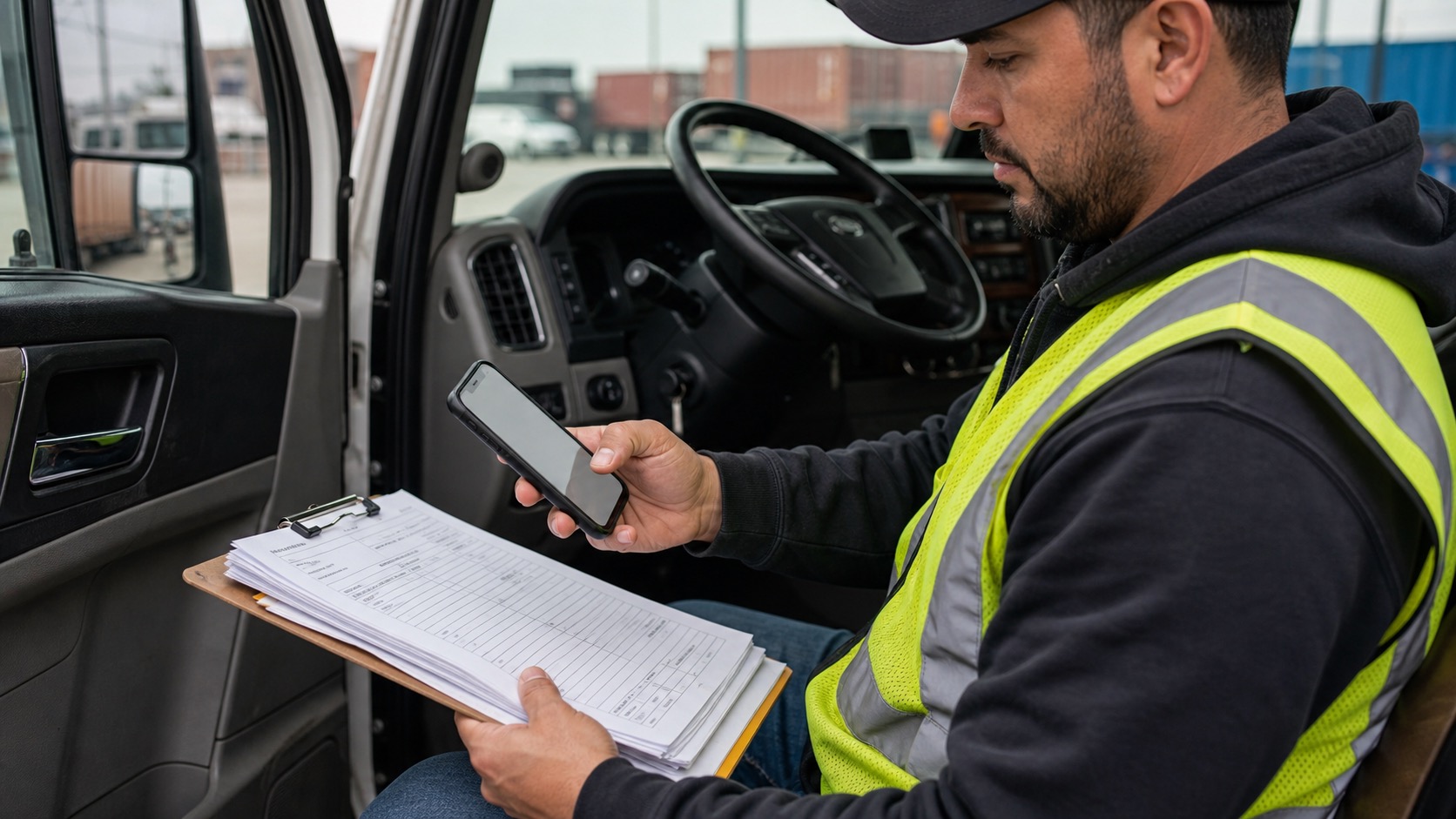
Driver mobile workflowDriver handoff
Driver work stays focused on assigned loads, stop updates, messages, and paperwork.
- Next stop
- Preset message
- BOL/POD upload
Company-scoped routes, users, reports, and documents stay separated.
Financial and report outputs are reviewed in app before files leave.
ELD, video telematics, accounting, and push claims stay setup-scoped.
Legal, privacy, security, subprocessors, DPA, and acceptable-use pages are public.
Drivers pathKeep driver work simple enough to run from a phone during a live route.
Next stopPreset statusScan uploadOffice review
Simple active load view
Current load, next stop, pickup/delivery actions, and required paperwork stay focused on the driver task.
Preset messages
Color-coded presets keep operational updates fast and consistent without turning the driver app into an office inbox.
No office access
Fleet driver accounts are not owner-operator accounts and cannot see billing, payroll management, loadboard bidding, or company settings.
Questions
What is live now?
Fleet dispatch, driver upload, OCR review, billing readiness, payroll review, messages, and QA-proven stress workflows are the current MVP focus.
What comes later?
Live Gmail/SES ingestion, QuickBooks/Xero, telematics, production push notifications, and native scanner polish remain later-scope integrations.